Project organization
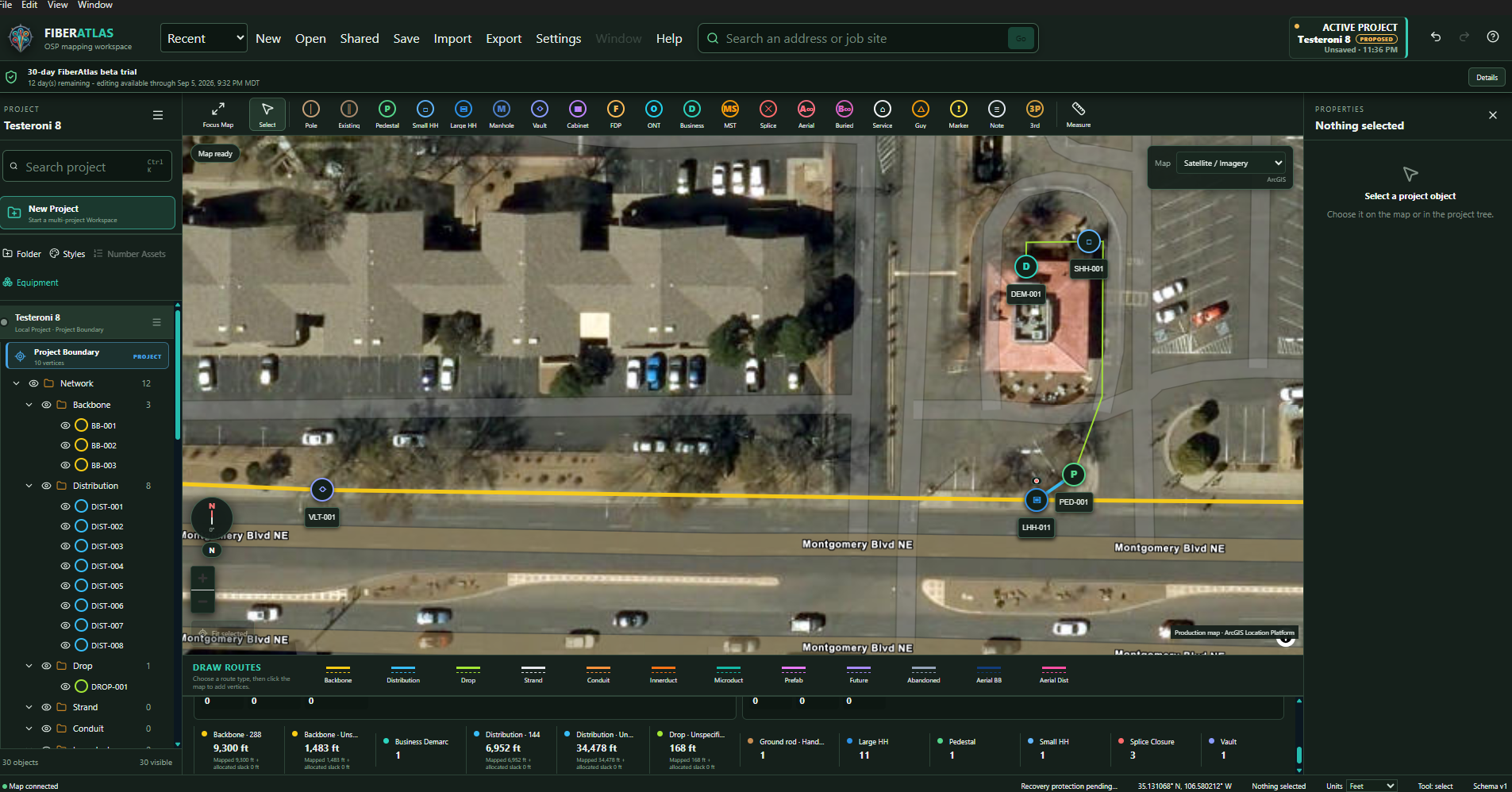
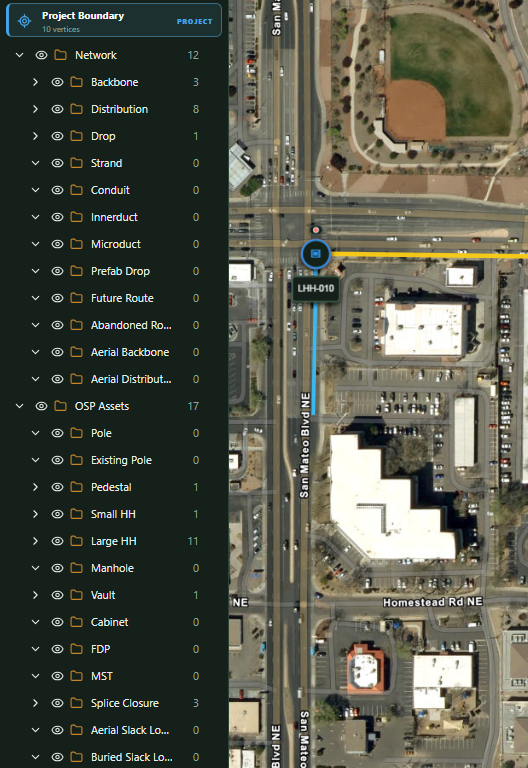
Local project files with structured areas, phases, routes, assets, naming, status, and notes. Map Focus keeps the drawing front and center.
 FIBERATLASTry FiberAtlas
 Map the routes. Record the splices. Follow the connections.
A local-first Windows workspace that carries your OSP records from map to handoff.
Windows 11 · Signed Setup & Portable · Confirm your email to download
From your first project to a documented handoff.
02 / LOOK CLOSERSee the testing & resultsRelease checks, known limits, and the technical details.
03 / HELP SHAPE ITYour field experience mattersTell us what works, what gets in the way, and what is missing.
System flow
One local project record, carried through a visible sequence. Information changes only when the user records or applies it; unresolved states remain unresolved.
Create the local project, organize its areas and phases, and set the working boundary.
Place and edit routes, structures, equipment, and other user-defined OSP assets.
Attach names, status, counts, notes, photos, associations, and explicit splice decisions.
Inspect geometry, quantities, project structure, associations, and recorded splice states.
Prepare print and report output or exchange selected project information in portable formats.
Inside FiberAtlas
Follow recorded fibers, compare network results, and review optical inputs without leaving the desktop project.
Local project files with structured areas, phases, routes, assets, naming, status, and notes. Map Focus keeps the drawing front and center.
Create and edit user-defined routes, boundaries, structures, equipment, and mapped relationships.
Keep counts, attributes, photos, field notes, associations, and unknown conditions with the mapped item.
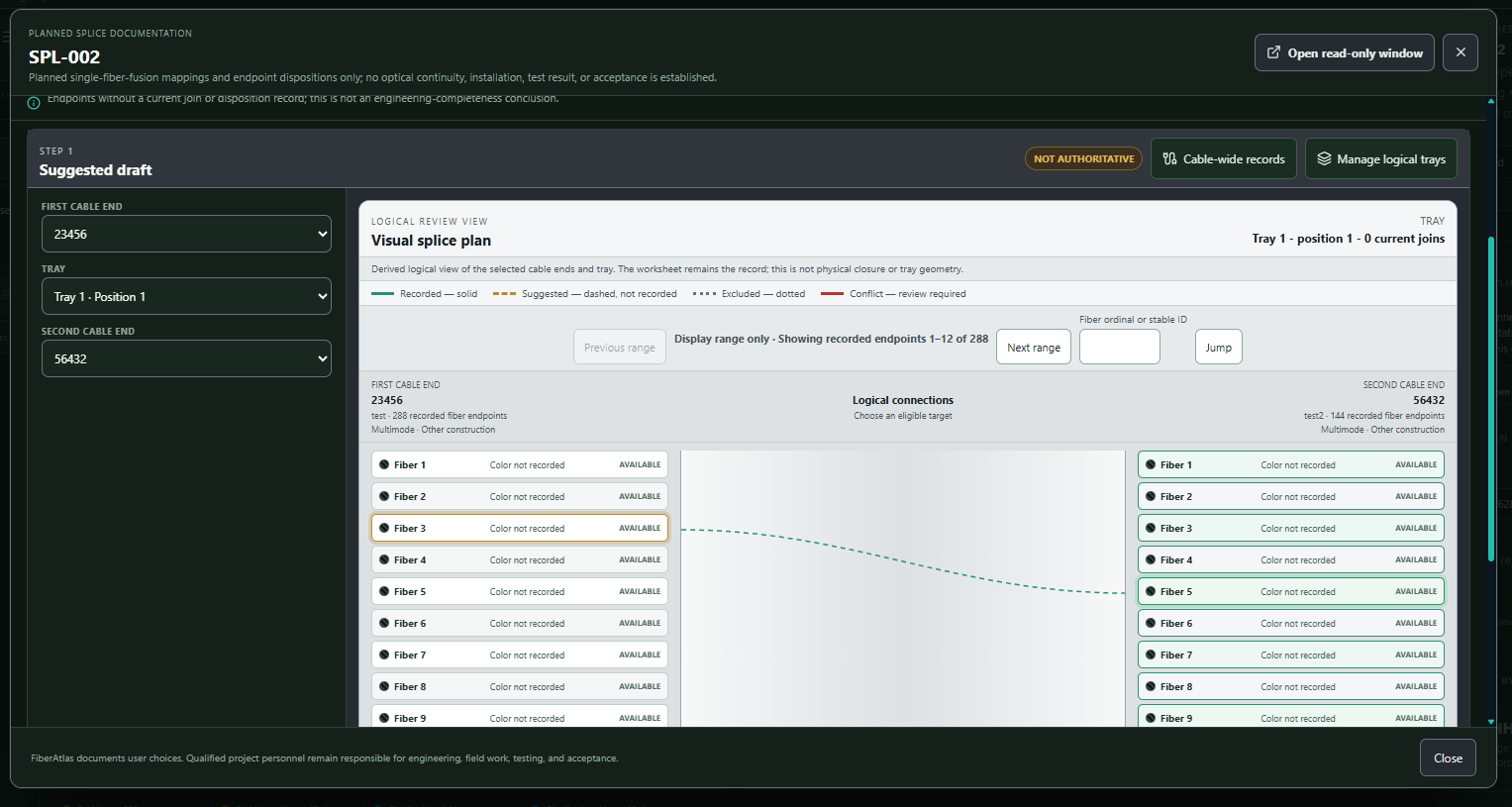
Document strand-level splice decisions, preserve planned/current/unknown/conflict states, and review all trays in a read-only popout.
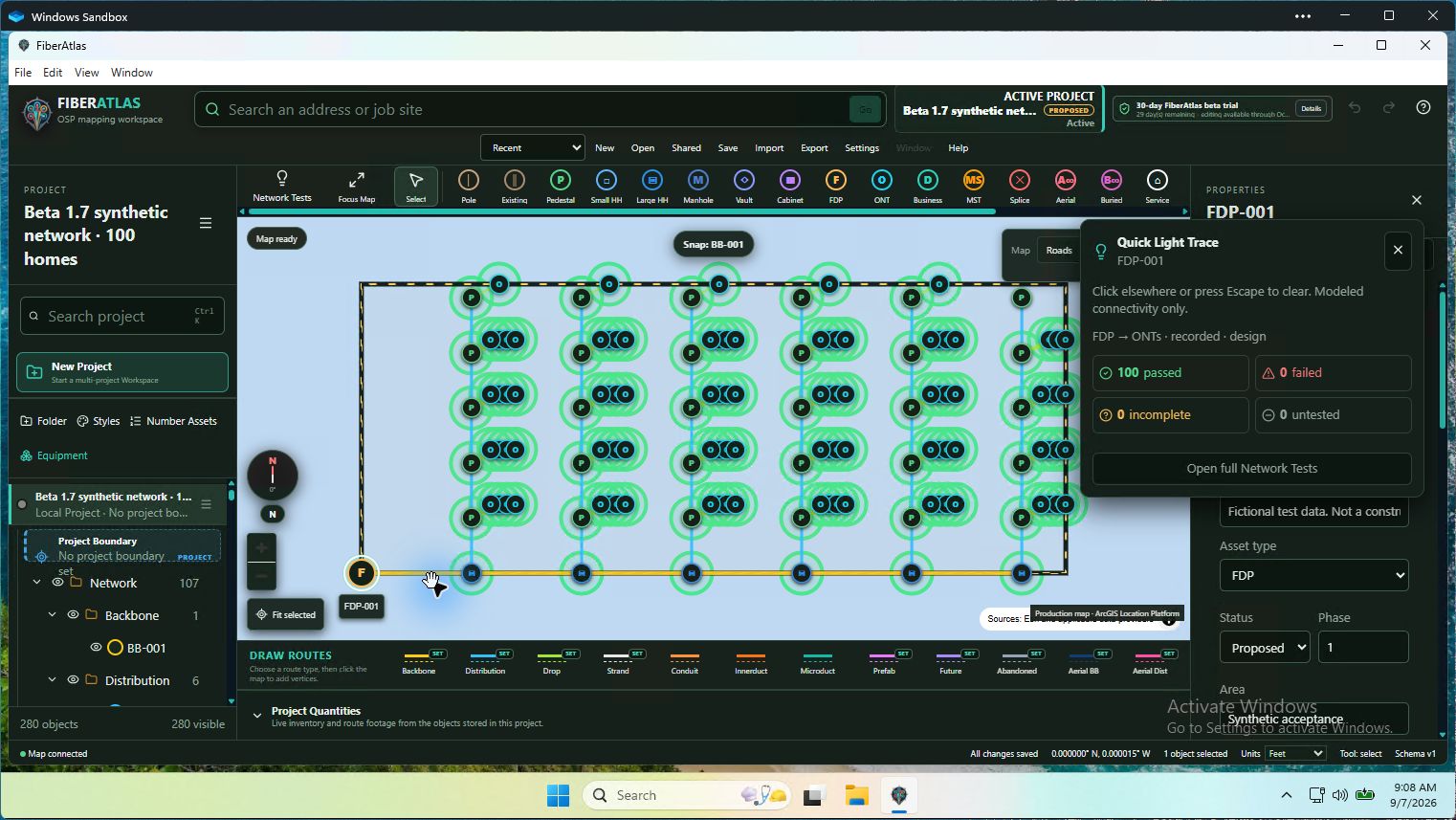
Right-click for a temporary Light Trace, then open Network Tests for forward and reverse paths, assignment checks, and clear recorded-data results.
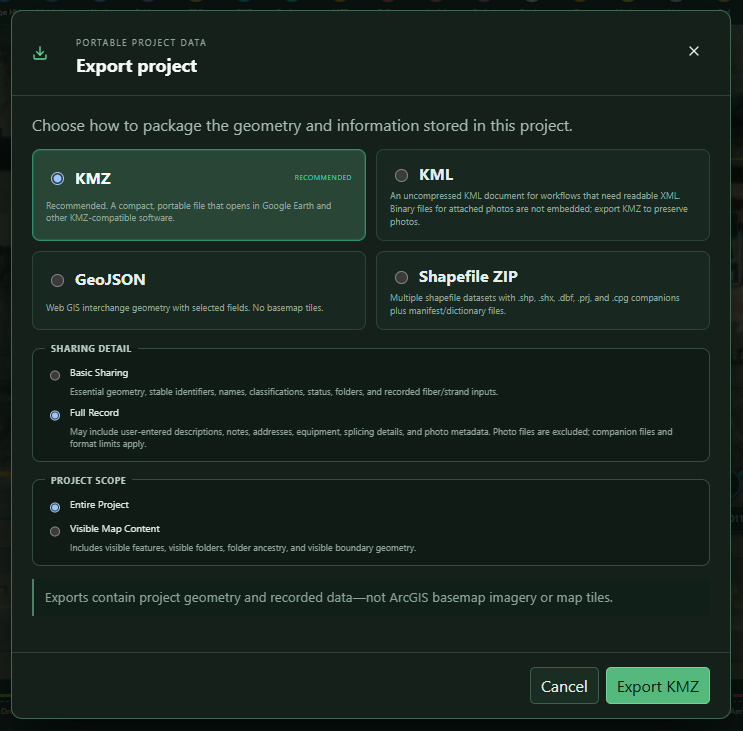
Print splice matrices for one case or a project folder, and prepare scoped KML/KMZ, Shapefile ZIP, GeoJSON, and CSV handoffs.
Application tour
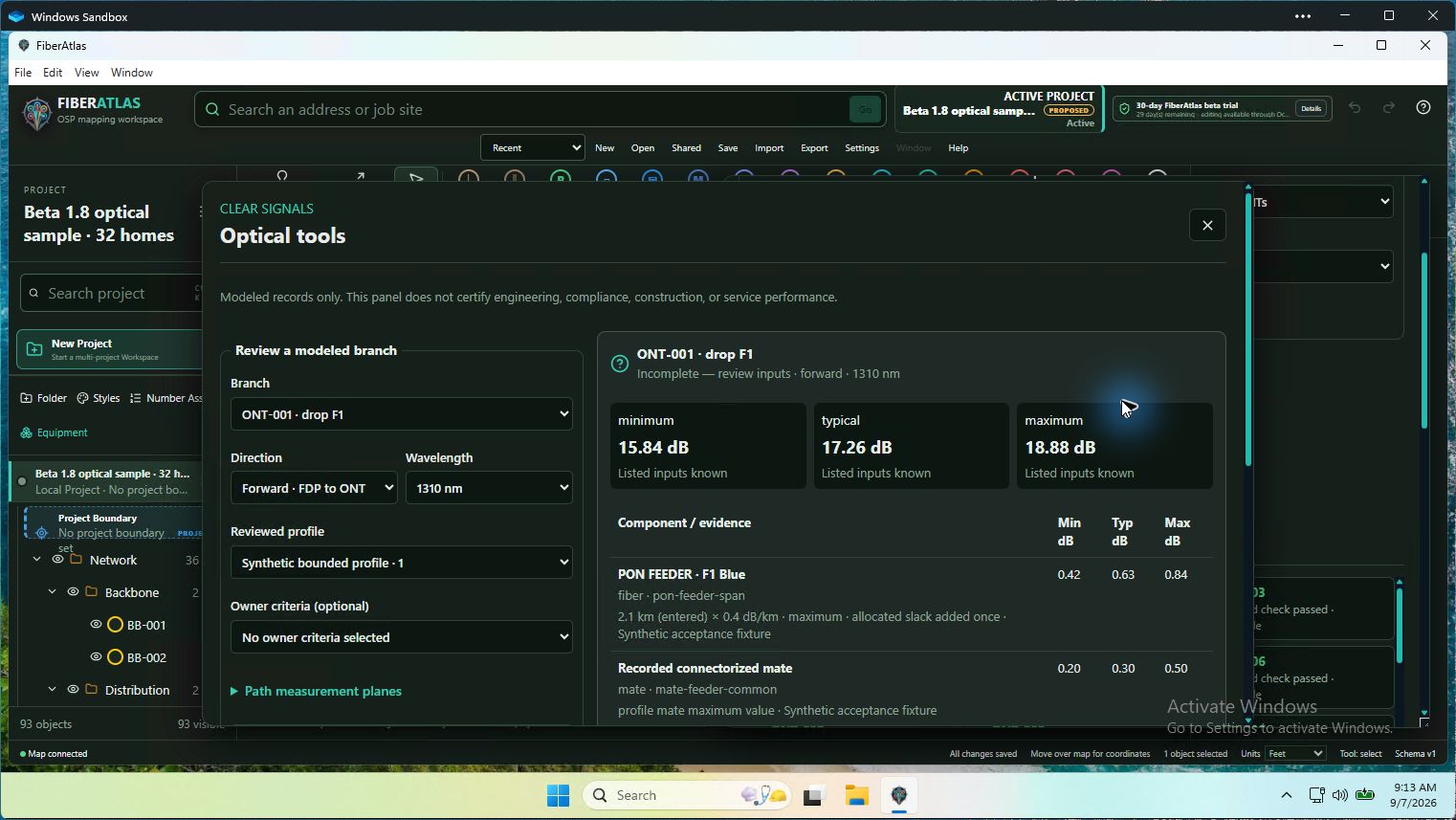
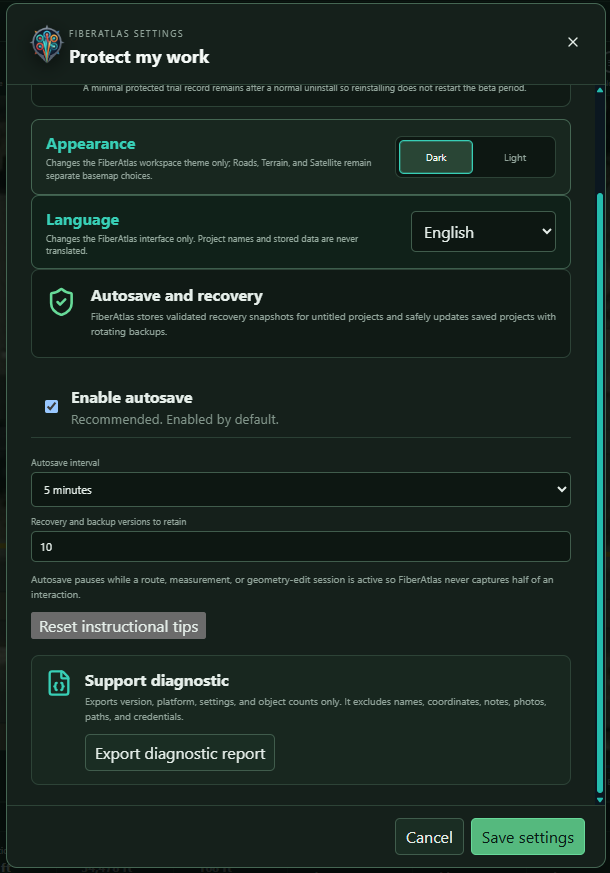
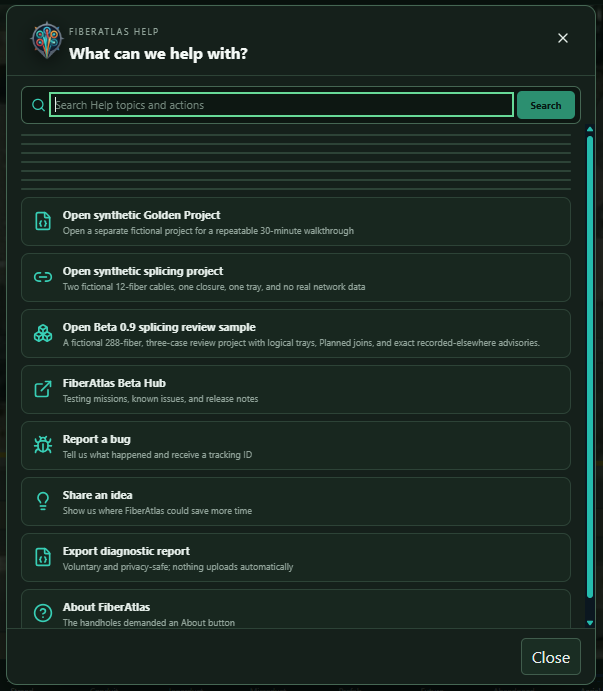
These are actual FiberAtlas interface views from development projects. Open any screenshot to inspect it at full size—no installation required.
Splice documentation
The splice workspace turns selected cable ends, a logical tray, and strand choices into a visible suggested draft. Recorded, suggested, excluded, and conflict states remain separate until the user deliberately applies the reviewed splice records.
NEW · SEPARATE WINDOWS APP
Adjust a leader, fix a note, add arrows and revision clouds. FiberAtlas PDF Editor is ready to try free for 14 days.
HELP SHAPE FIBERATLAS
A confusing step, a missing tool, or something that saved you time—tell us. Every Trial user can share feedback.
In the oven
Some work deserves its own focused workspace. These applications are separate from the current FiberAtlas download and are shown here as development previews.
Project managers · coordinators · inspectors
The construction-documentation workspace opens a protected released design, records observations, evidence and variances, and prepares review-ready daily outputs without rewriting the source design.
Records managers · closeout teams
The controlled records workspace maintains the current LIVE revision, preserves superseded history, and releases proposed revisions instead of silently editing the record in place.
Fielders · pole-data collectors
The phone-first companion provides guided, offline-capable capture of project and pole identity, original photos, metadata, observations, and portable evidence packages.
Aerial design · pole records · make-ready preparation
A separate aerial-only desktop workspace for mapping pole lines, organizing attachments and field evidence, and reviewing the record around each structure. PoleLab runs on its own; a future exchange can move selected pole records between the two apps.
PoleLab development preview
PoleLab is a separate, aerial-only desktop application for mapping pole networks and keeping the structure, attachments, terrain context, and field evidence together. It runs on its own; a future exchange will let selected pole records move between PoleLab and FiberAtlas.
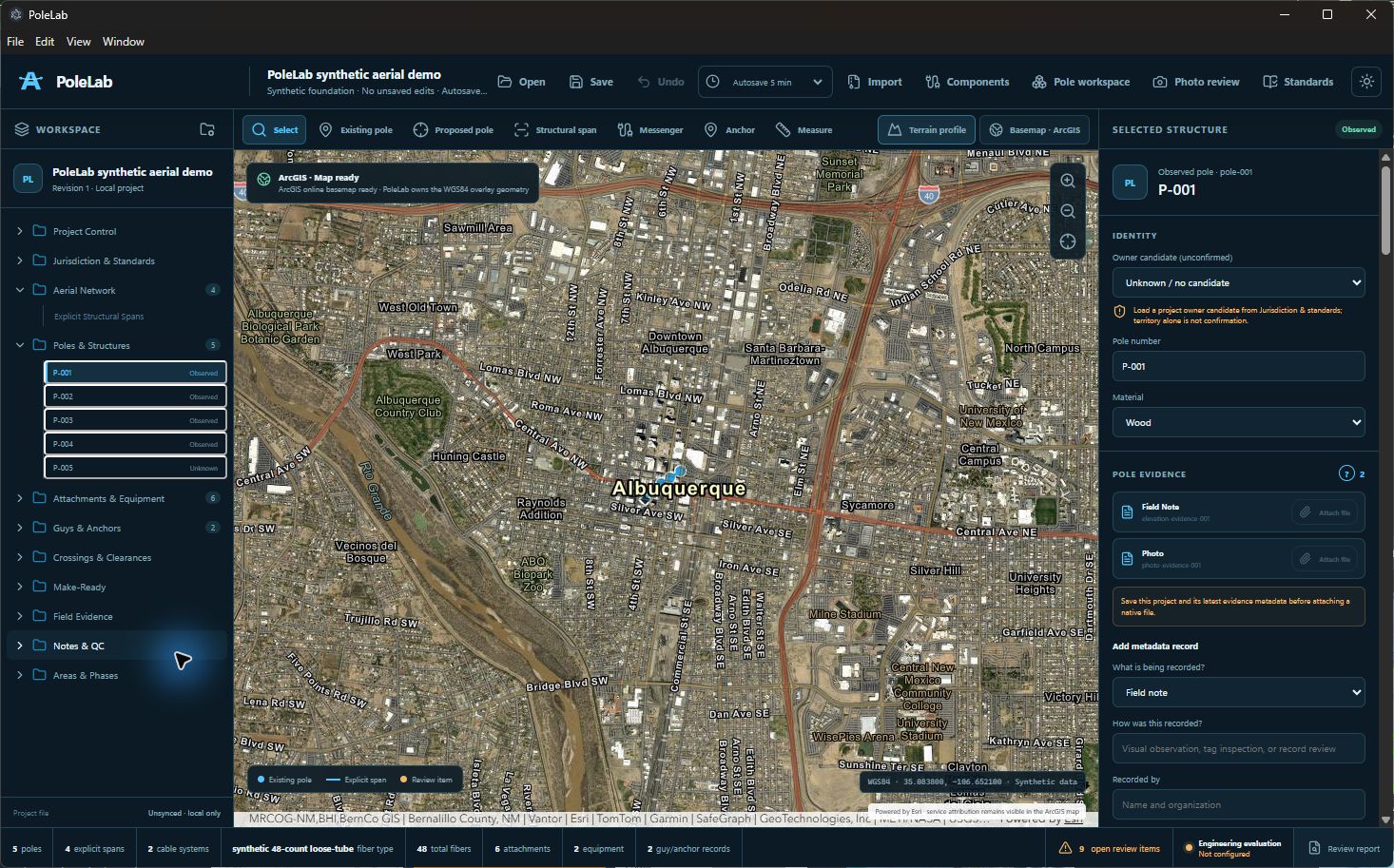
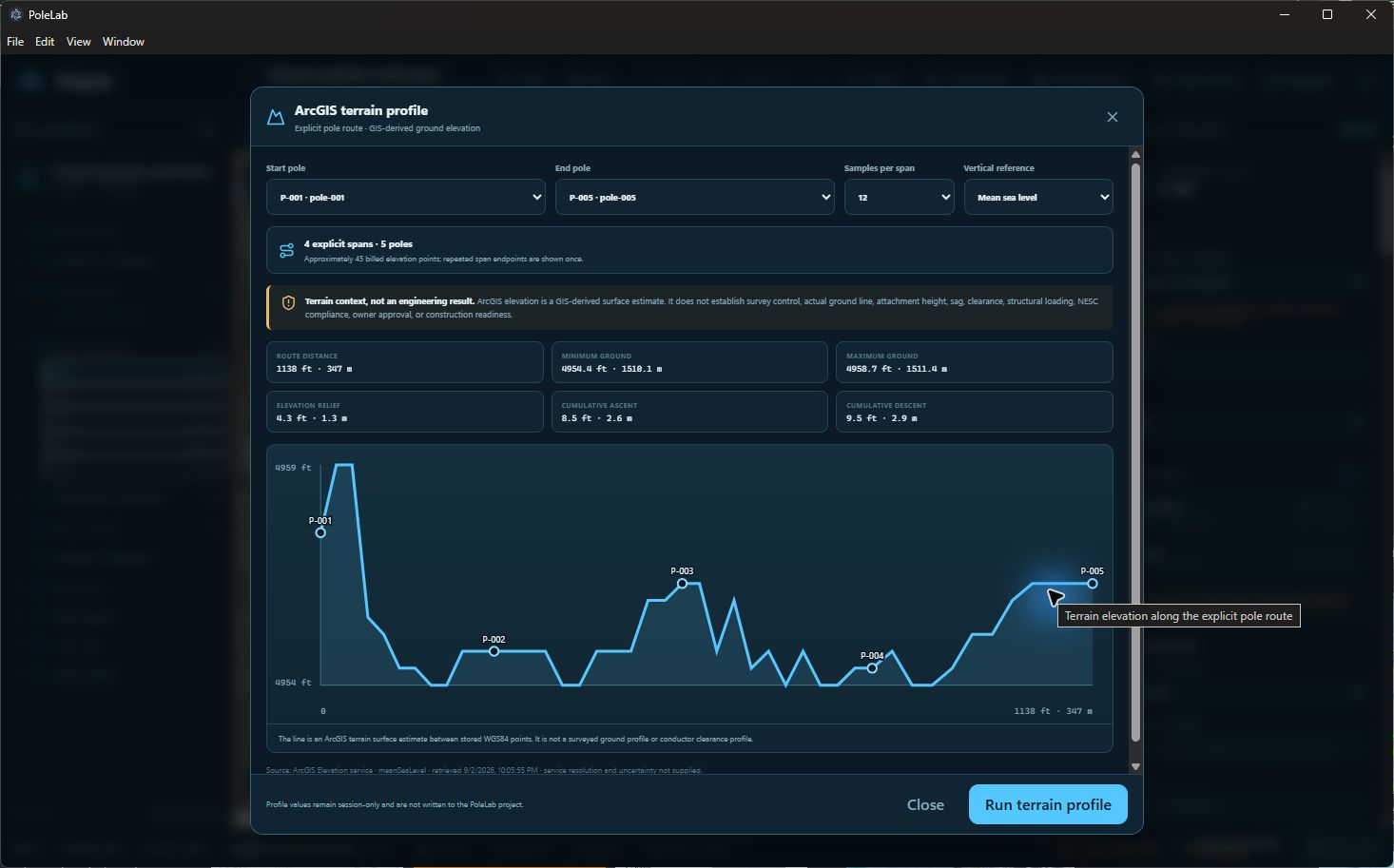
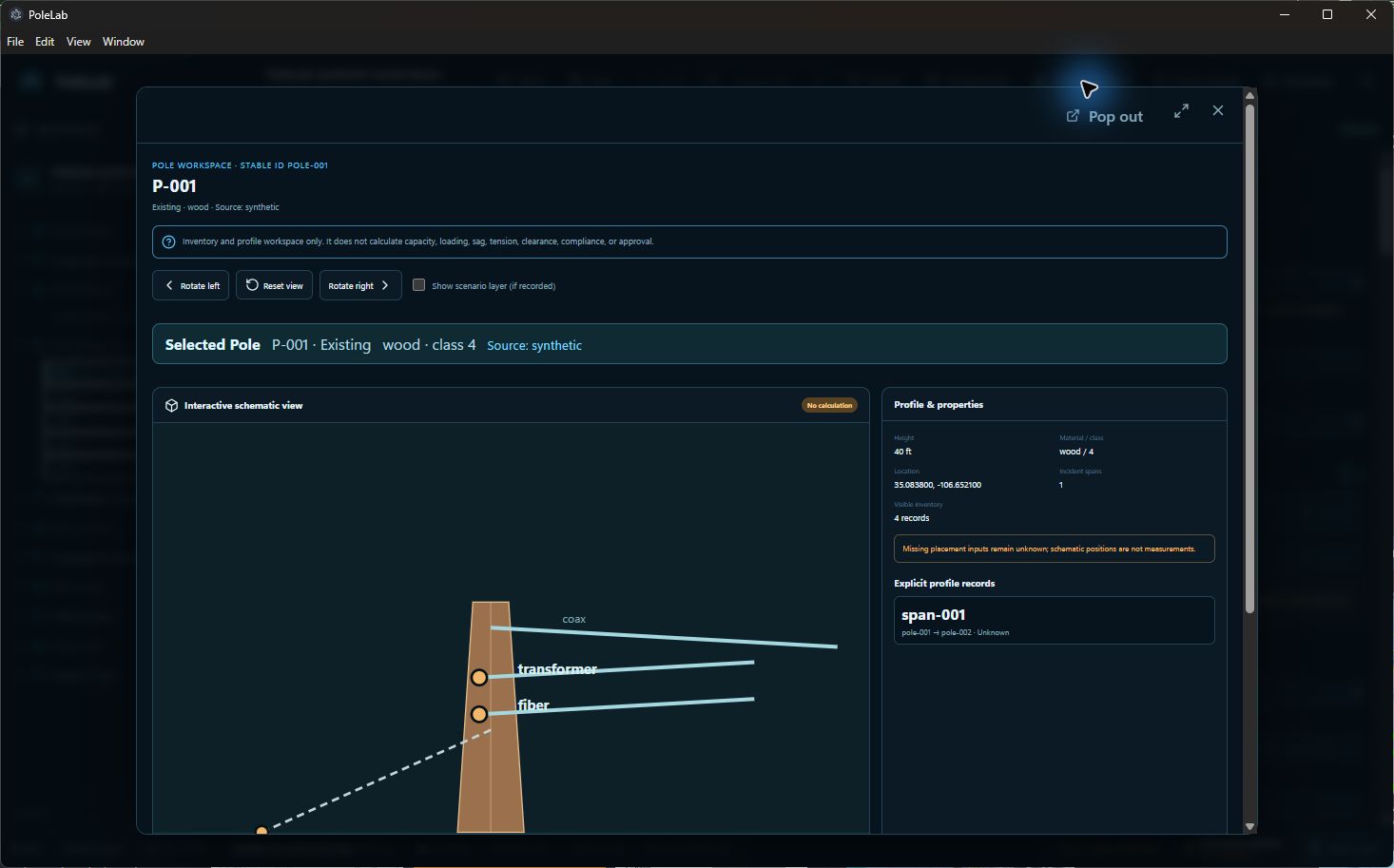
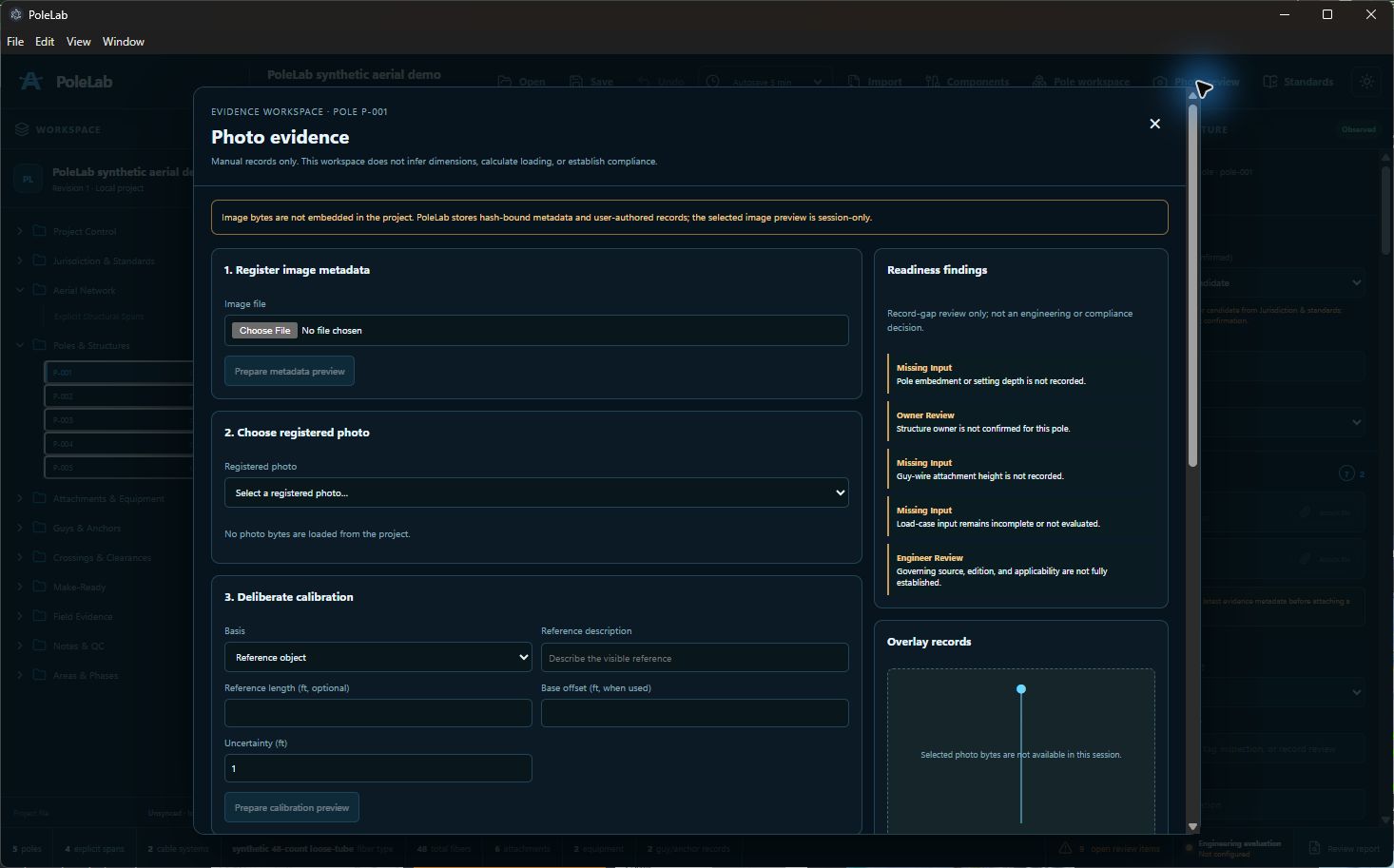
Development preview. Screens and capabilities will continue to change as hands-on testing moves forward.
Current controlled release
Quick Light Trace, clearer Network Tests, and optical-loss review join the wider Splicing Laboratory. Comfortable spacing is the default, with Compact available and resizable panels for more map space.
0.1.0-beta.20-rc1 · published September 11, 2026 · signed Windows Setup and Portable packages · confirmed-email Trial delivery
FiberAtlas records user-authored project information. It does not infer optical continuity from map proximity or certify engineering, capacity, constructability, permitting, compliance, safety, testing, or approval. Project files remain local; online basemap and address-search services contact their providers.